How to Use AI Agents for Workflow Automation in 2026
Your working lives have changed significantly. You no longer need to be directly involved in making every decision when you're in a constant context-switch between email, Slack, project management software, and calendars.
· 18 min read
HowToGetVia score
Scored out of 10 after independent testing. We buy or return every review unit.
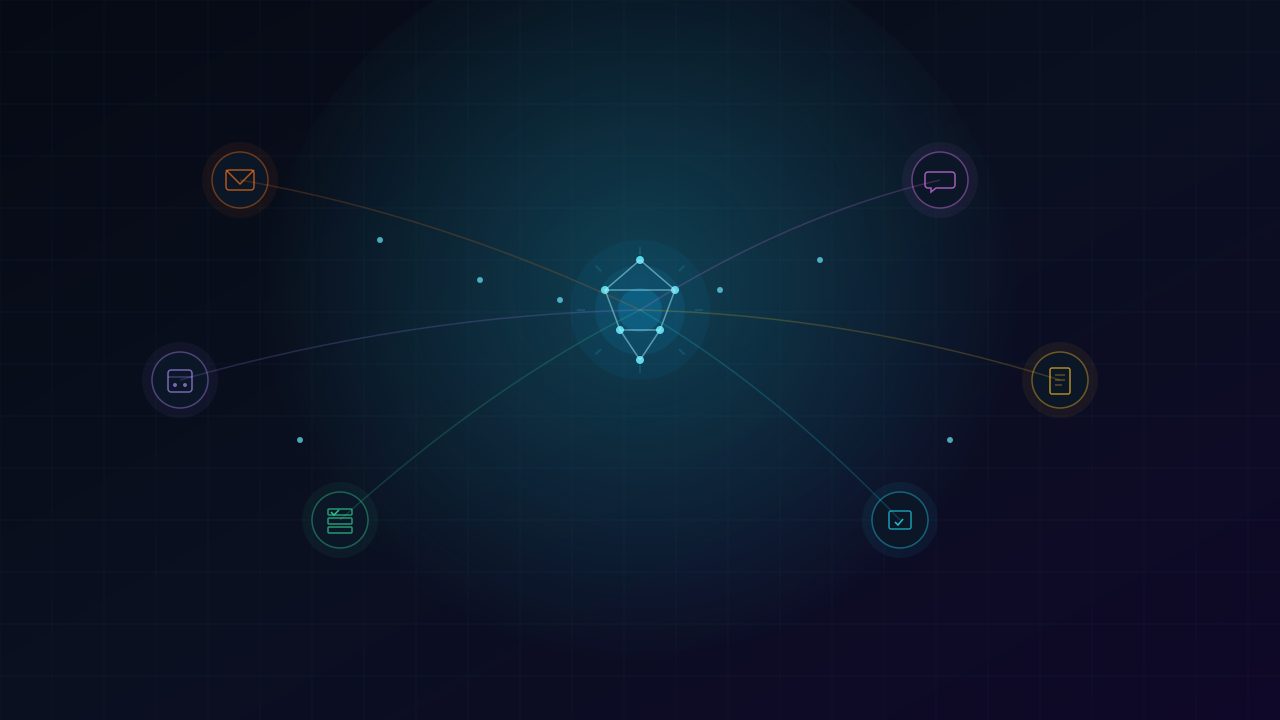
By 2026, AI agents are no longer just novelty chatbots but full-fledged digital colleagues that can perform multiple-step tasks on your behalf. This guide will help you understand exactly how to use them to free up some of your time, eliminate mental clutter and concentrate on the work that needs your special skills.
So, What Are AI Agents in 2026?
An AI agent is not a chatbot that is waiting for a prompt and then spits text out. It is a system that is able to sense its surroundings, make decisions, plan a series of actions and put them into practice across various applications with limited human intervention.
It's like telling a search engine to find you a recipe versus telling a personal chef to cook a meal for you, knowing that he/she will know what to get at the store and will cook it and clean up the kitchen afterward. The agent knows the aim, knows how to break it down into steps, knows how to utilise tools, knows how to manage any errors and has a way to communicate back when finished.
Transition from Assistants to Agents
Most of the AI integrations in 2024 and early 2025 were largely reactive. You query Claude or ChatGPT and it responds. You could upload a file and have a summary available. However, the AI could not do anything on your real digital environment unless you copy and paste the results elsewhere.
The scene in 2026 is much more developed. Google has integrated its Gemini agent design into Workspace. Gmail won't just make suggestions for replies, it can also help you draft full email conversations, schedule follow-ups, and categorize emails into folders according to priorities it has learnt. By analyzing the availability of various parties, their preferences, and even considering travel time, Google Calendar's agent can negotiate the meeting time without touching any single time slot.
Claude, Anthropic's new AI model, now features strong computer use capabilities and seamless integration with enterprise tools. It can interact with your project management software, update the status of tasks, and bring up relevant context from previous conversations while helping to make decisions. The difference between 2026 and previous is that these agents are not restricted to one application, but are distributed over the tools.
How to Set Up Your First AI Agent
Before embarking on the specifics of the use cases, there has to be a structured method of introducing AI agents. The worst thing that people can do is to give the agent a mess and hope they fix it.
Observe for one week repetitive motions. Don't forget to record all the simple tasks that seem routine or mundane. Identify programs you interact with and the flow of data between programs. Recognize tasks that can be described in terms of 'if, then'.
Select your agent platform wisely. For a workflow that is mostly based in Google Workspace, begin with Google's Gemini agent capabilities built into Gmail, Calendar, and Drive. For users who leverage a wider stack, such as Notion, Slack, Salesforce, or custom applications, unlock the power of Claude's agent functionality via the Anthropic API or integrations. If you're looking for highly tailored workflows, you can create them using frameworks such as LangGraph or CrewAI, but it requires some technical configuration.
Set clear limits and privileges. Assuming read-only access as soon as possible, then gradually allowing write and send permission as trust is gained. Run a new automation in 'agent testing' mode, only after you have completed this stage.
How to Set Up Email Automation
Connect your agent to your inbox with scoped permissions. Grant access to read, draft, and categorize emails. Set explicit rules about which emails the agent can act on independently and which require your review.
Define your triage rules in plain English. Agents in 2026 understand natural language instructions remarkably well. You can write something like:
“For any newsletter or promotional email, archive it immediately unless it mentions a specific topic I'm currently researching. Add those topics to a list I can update. For meeting requests from people in my organization, check my calendar and propose two available times in a draft reply. For client emails that contain questions about project status, draft a response that pulls the latest updates from our project management tool. Flag anything urgent from my manager and send me a Slack notification.”
Example agent triage rule
Review and refine for the first two weeks. Check your agent's 'pending actions' folder daily. Correct any misclassifications by explaining why the decision was wrong—the agent learns from this feedback. Gradually increase autonomy as accuracy improves.
What a Fully Optimized Email Workflow Looks Like
By week three or four, your agent should be handling approximately 70 to 80 percent of your inbound email without your involvement. You'll spend 15 minutes each morning reviewing a digest of what the agent did overnight, approving any drafted replies that need your personal touch, and scanning the flagged items that genuinely require your attention. The rest of your inbox simply gets managed.
Scheduling That Adapts to Your Actual Priorities
Calendar management in 2026 goes far beyond finding open slots. Modern AI agents understand context, energy management, and priority alignment.
Teach your agent your working style. Input preferences like deep work blocks that should never be interrupted except by pre-approved VIP contacts. Your peak cognitive hours and which types of meetings belong in those windows versus your lower-energy afternoon slump. Buffer time requirements between meetings, including different buffers for in-person versus virtual meetings. Personal commitments that the agent should treat as immovable.
Let the agent handle scheduling negotiations. When someone requests a meeting, your agent can cross-reference the request against your priority framework and politely decline or redirect if the meeting doesn't align with your current goals. It can propose times that protect your deep work blocks and respect your energy curve, and automatically include relevant context, agendas, or pre-reading materials when confirming the meeting.
Task and Project Management That Runs Itself
This is where AI agents create the most dramatic productivity gains. Project management tools have always required significant manual upkeep—updating statuses, assigning tasks, chasing dependencies, and writing status reports. In 2026, the agent handles this busywork entirely.
Integrate your agent with your project management tool. Whether you use Asana, Linear, Jira, Notion, or Monday.com, agents in 2026 connect through official APIs and understand each tool's structure. You grant access once, and the agent maintains a persistent understanding of your projects.
When you flag an email for follow-up, the agent creates a task with the relevant context and a suggested due date. Action items from meeting transcripts automatically become tasks assigned to the correct people. Slack messages you mark with a specific emoji or command get converted to tasks instantly.
The agent monitors task progress and gently nudges stakeholders when deadlines approach. It can send a polite check-in message to a colleague whose deliverable is due tomorrow, flag blocked tasks and suggest whom to escalate to based on the project's org chart, and update project timelines automatically when delays cascade through dependent tasks.
Creating Multi-Step Workflow Automations
The true power of 2026 agents lies in chaining actions across multiple tools. Here are three real-world examples you can implement immediately.
| Workflow | Trigger | Agent Actions | Human Touchpoint |
|---|---|---|---|
| Client Onboarding | Signed contract arrives in inbox | Extract info → create project folder → create task list → send welcome email → schedule kickoff → post Slack notification | Approve welcome email and kickoff time |
| Content Publishing | Draft dropped in 'Ready for Review' folder | Run style check → generate social posts → create publishing calendar → notify editor → format for CMS | Approve before final publication |
| Meeting Prep & Follow-Up | Meeting starts in 30 minutes | Pull agenda → compile brief with email context and action items → after meeting, process transcript → create tasks → draft summary | Review and send summary |
Security and Privacy: What You Must Know Before Granting Permissions
Handing an AI agent access to your email, calendar, and files requires serious consideration. The convenience is real, but so are the risks if you don't set things up properly.
Before connecting any agent to your accounts, ask: Does the agent process data locally on your device, or does it send information to cloud servers? What is the provider's data retention policy? Is your data used to train the provider's models? In 2026, most business-tier plans from Google, Anthropic, and others explicitly exclude customer data from training, but you must verify this setting is enabled.
Implement the Principle of Least Privilege. Only grant the minimum access an agent needs to perform its function. An agent that only organizes your inbox doesn't need calendar write access. Use scoped API tokens instead of full account credentials whenever possible.
Define which actions always require your explicit approval: sending email to external recipients, deleting files or messages, making purchases or approving expenses, and sharing documents with people outside your organization.
Schedule a recurring 15-minute weekly review of your agent's action log. Check for any unexpected actions, patterns of overreach, and access permissions that are broader than they need to be. Most enterprise agent platforms now include automated anomaly detection that flags unusual behavior—make sure these alerts are enabled.
Building Long-Term Trust in Your AI Agents
Adopting AI agents is a gradual process, not a flip-of-a-switch. Start with low-stakes automations where the cost of an error is minimal. As you review the agent's work and provide feedback, you'll naturally expand its responsibilities.
The professionals who benefit most from agents in 2026 share a common mindset: they treat the agent like a new team member who needs onboarding, clear expectations, and regular feedback to perform well. When the agent makes a mistake, explain why it was wrong rather than just overriding the decision. Maintain a living document of your preferences, rules, and priorities that the agent can reference.
Your First 24 Hours With an AI Agent
Pick one workflow—email triage is the easiest entry point for most people. Write down your rules in plain English, covering what to do with different categories of messages. Connect your agent with read-only access first and let it show you what it would do without actually taking action. Review the proposed actions and provide corrections. Enable low-risk actions like archiving newsletters and drafting replies. Expand gradually to scheduling and task management over the following weeks.
Conclusion
The promise of workflow automation has been dangled in front of us for decades, usually accompanied by complex rule engines and brittle integrations that broke the moment anything changed. AI agents in 2026 are genuinely different. They adapt. They handle ambiguity. They operate across the messy, interconnected reality of how we actually work rather than demanding we conform to rigid automation logic. You don't need to automate everything at once. Start with the repetitive friction that drains your energy every single day. Give your agent clear instructions, appropriate boundaries, and honest feedback. Within weeks, you'll wonder how you ever tolerated doing all that busywork yourself.
Sources are linked inline where a claim depends on external reporting.
About the author
Priya NairPriya writes about machine learning systems, developer tooling and the regulation catching up to both. She previously worked as an ML engineer on production recommendation systems.
The Daily Wire
One email. Everything that mattered.
A tight morning briefing on technology, AI and gaming — written by our editors, sent at 07:00 UTC. No sponsored filler, unsubscribe in one click.
We only use your address for the newsletter. See our privacy policy.
Discussion (2)
- Ravi K.2 hours ago
The point about efficiency gains not translating into lower peak power is the part everyone misses. My last build tripped the PSU on transients despite being 200W under the rating.
- Helena W.5 hours ago
Appreciate that the recommendations include 'hold, buy a monitor instead'. Rare to read that in hardware coverage.
Related reading
How to Defend Against AI-Driven Cyberattacks in 2026
From polymorphic malware to deepfake phishing, here's how AI-powered threats are reshaping cybersecurity — and what tech startups can do to survive.
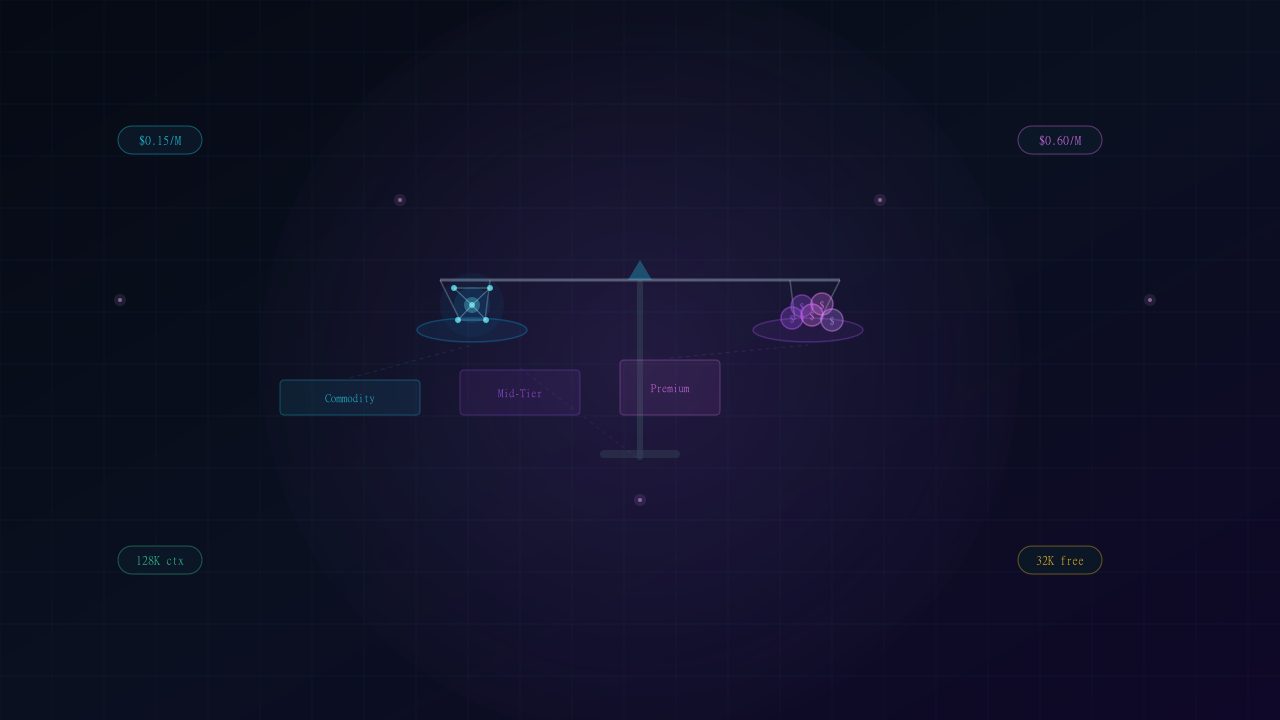
How to Pick Your Startup's Cheapest AI Model in 2026
Every business has a quiet co-founder named Budget. The AI API market has significantly developed by 2026, and 'cheap' no longer equates to 'bad.' It entails being meticulous about what your product truly requires.
How to Use AI Tools for the Ultimate Gaming Experience in 2026
From AI upscaling to smart NPCs powered by language models, here's how AI tools are transforming the way we play, stream, and experience games in 2026.