How to Get Started with Cloud Computing and Web Infrastructure in 2026
Every software product runs on somebody else's computers. Here's the web infrastructure basics you actually need, in the order that makes sense.
· 8 min read
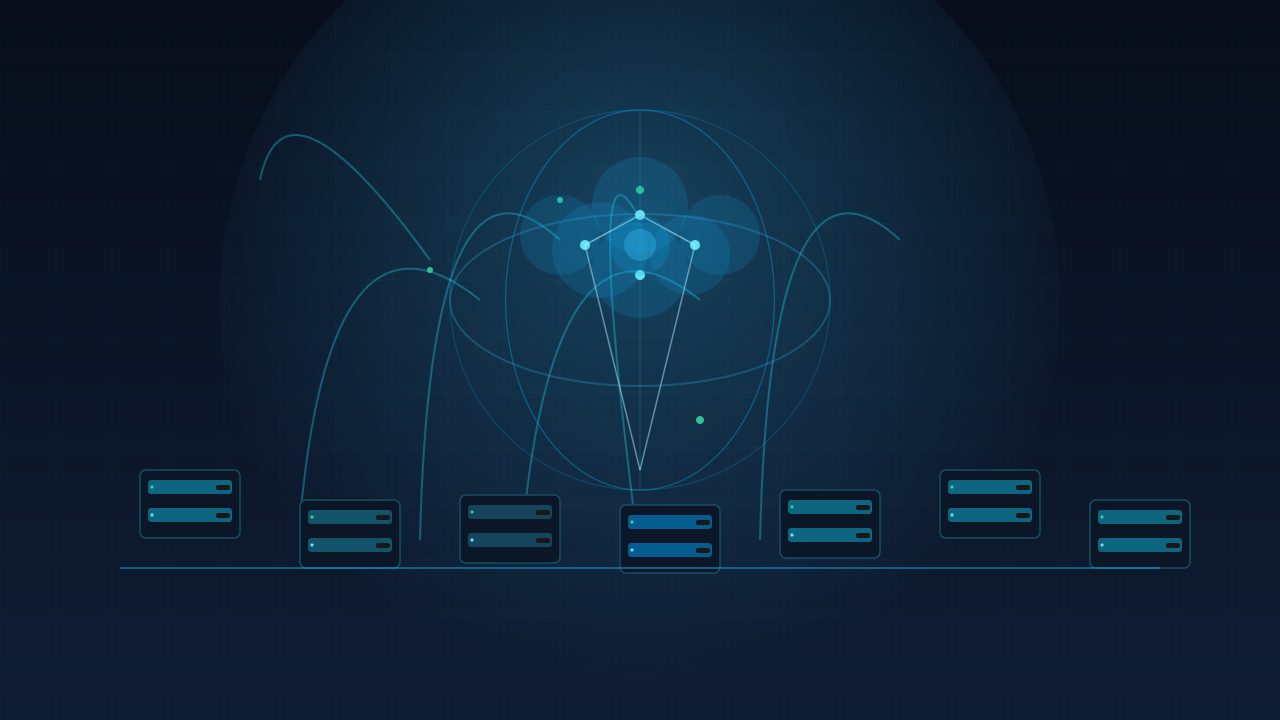
Every software product in 2026 runs on somebody else's computers, and for good reason: renting infrastructure beats owning it. But here's the trap — beginners pick a cloud provider first and learn the fundamentals later, which is backwards. The providers all sell essentially the same things; what differs is branding, pricing, and ergonomics. If you understand the core concepts of cloud computing, choosing a provider becomes trivial.
The Core Building Blocks
Every cloud platform is built from a small set of building blocks. Compute is where your code runs — virtual machines or containers you rent by the hour. Storage is where your files live, from simple object storage for images and uploads to block storage attached to servers. Networking is how it all connects: virtual networks, domain names, load balancers that spread traffic across machines, and content delivery networks that serve static files from a server near the user. And databases are where structured data lives, either managed by the provider or running on your own compute.
Choosing a Cloud Provider Without Overthinking It
Choosing a provider doesn't have to be a research project. The three big names all offer the same core services, similar free tiers, and comparable pricing for small workloads. If you want the path of least resistance, pick whichever provider you've already used or whichever has tutorials in your language — that's a legitimate reason. If you're doing heavy AI work, some providers offer better GPU options and managed model services. Otherwise, stop deliberating.
A Simple Starter Architecture for Most Projects
For most projects, the same simple starter architecture is right: a single virtual machine or container running your app, a managed database for your data, and object storage for any files users upload. Add a load balancer only when one machine stops being enough, add a CDN only when you have a global audience, and add a cache only when queries actually get slow. Start with the smallest instance that runs your code comfortably and resist the urge to build a microservices fleet for an app that hasn't reached its first hundred users.
Common Beginner Mistakes
The beginner mistakes are consistent, and almost all of them are about money and safety. Overprovisioning tops the list: renting a giant machine 'to be safe' when the smallest one works. Ignoring costs is second: leaving instances running 24/7, forgetting to shut down test environments, and not setting budget alerts. The third is skipping backups: no automated database backups, no versioned storage, no tested restore procedure. The fourth is ignoring security defaults: default passwords, open ports, and public object storage with private data in it.
Conclusion
Getting started with cloud computing in 2026 doesn't require a certification or a migration strategy. Learn the four building blocks — compute, storage, networking, databases — pick a provider based on practical criteria, and stand up the simplest architecture that serves your users. Right-size your instances, set cost alerts, automate backups, and close the obvious security holes.
Sources are linked inline where a claim depends on external reporting.
About the author
Tom BrandtTom covers vulnerabilities, incident response and cloud infrastructure. He reads the advisories so you do not have to, and explains what actually needs patching first.
The Daily Wire
One email. Everything that mattered.
A tight morning briefing on technology, AI and gaming — written by our editors, sent at 07:00 UTC. No sponsored filler, unsubscribe in one click.
We only use your address for the newsletter. See our privacy policy.
Discussion (2)
- Ravi K.2 hours ago
The point about efficiency gains not translating into lower peak power is the part everyone misses. My last build tripped the PSU on transients despite being 200W under the rating.
- Helena W.5 hours ago
Appreciate that the recommendations include 'hold, buy a monitor instead'. Rare to read that in hardware coverage.
Related reading
API Security Best Practices in 2026
Most modern products expose far more through API endpoints than through their frontend. Here's how to secure your biggest attack surface.

A Beginner's Guide to Quantum-Resistant Encryption in 2026
By 2026, the quantum threat is no longer a hypothetical talking point. Here's how to protect your data before tomorrow's computers can read it.
The Next Step in Implementing a Zero Trust Security Architecture
Why the traditional castle-and-moat model is dead, and how Zero Trust Architecture with biometric authentication and defensive AI is the only viable defense in 2026.